




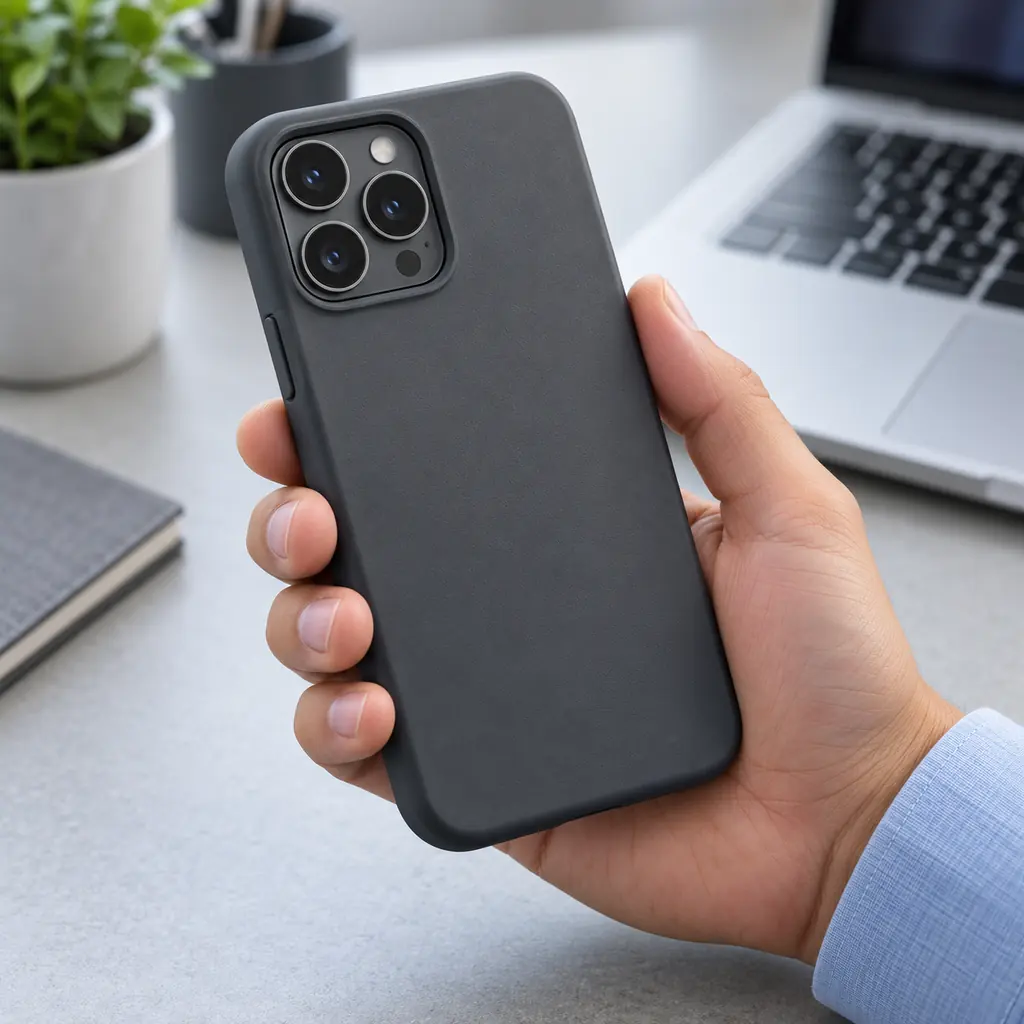
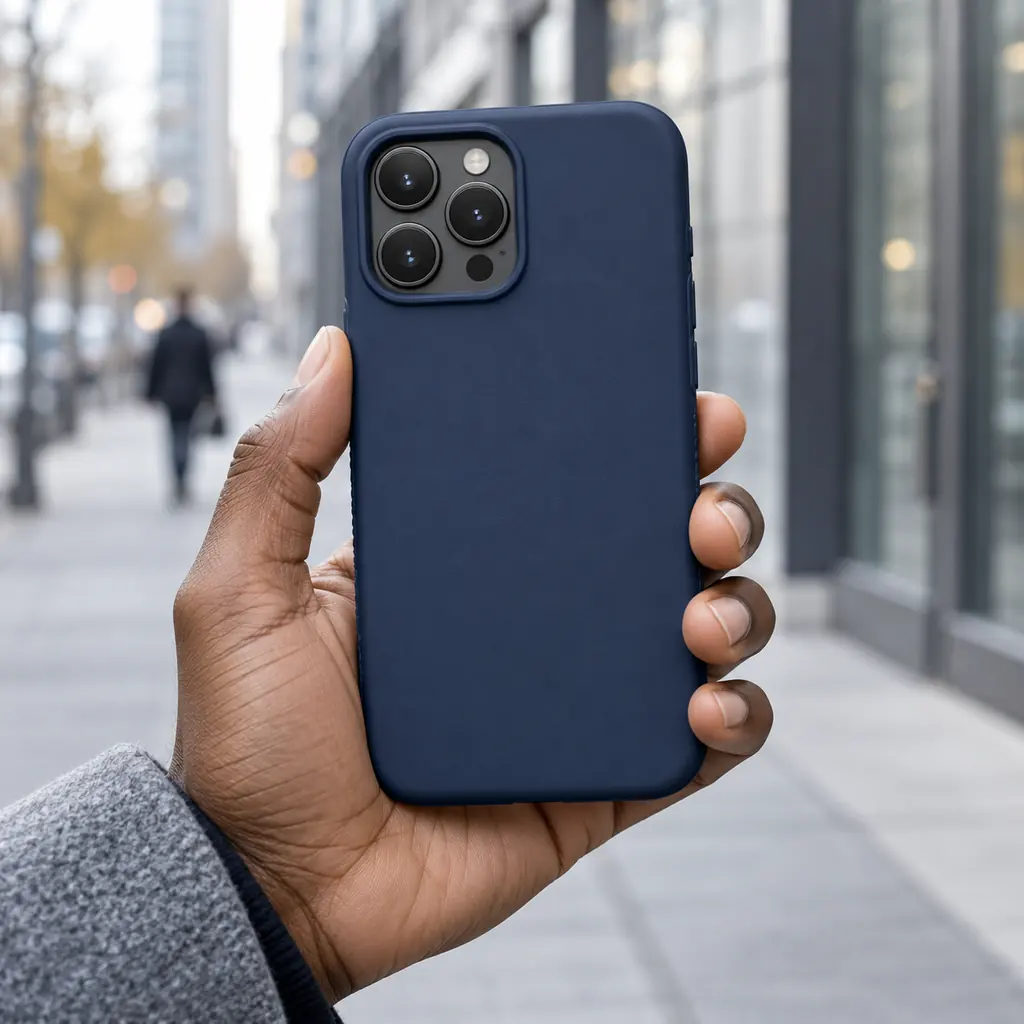
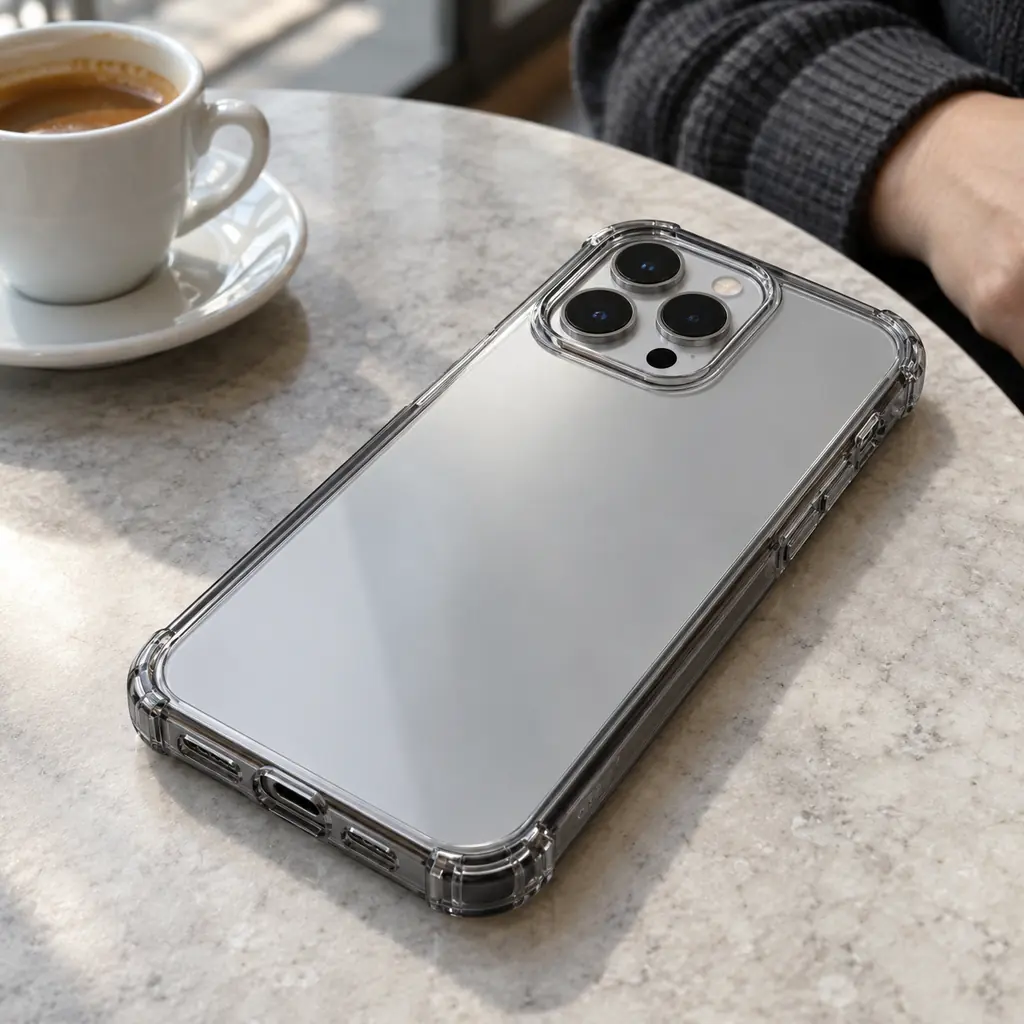
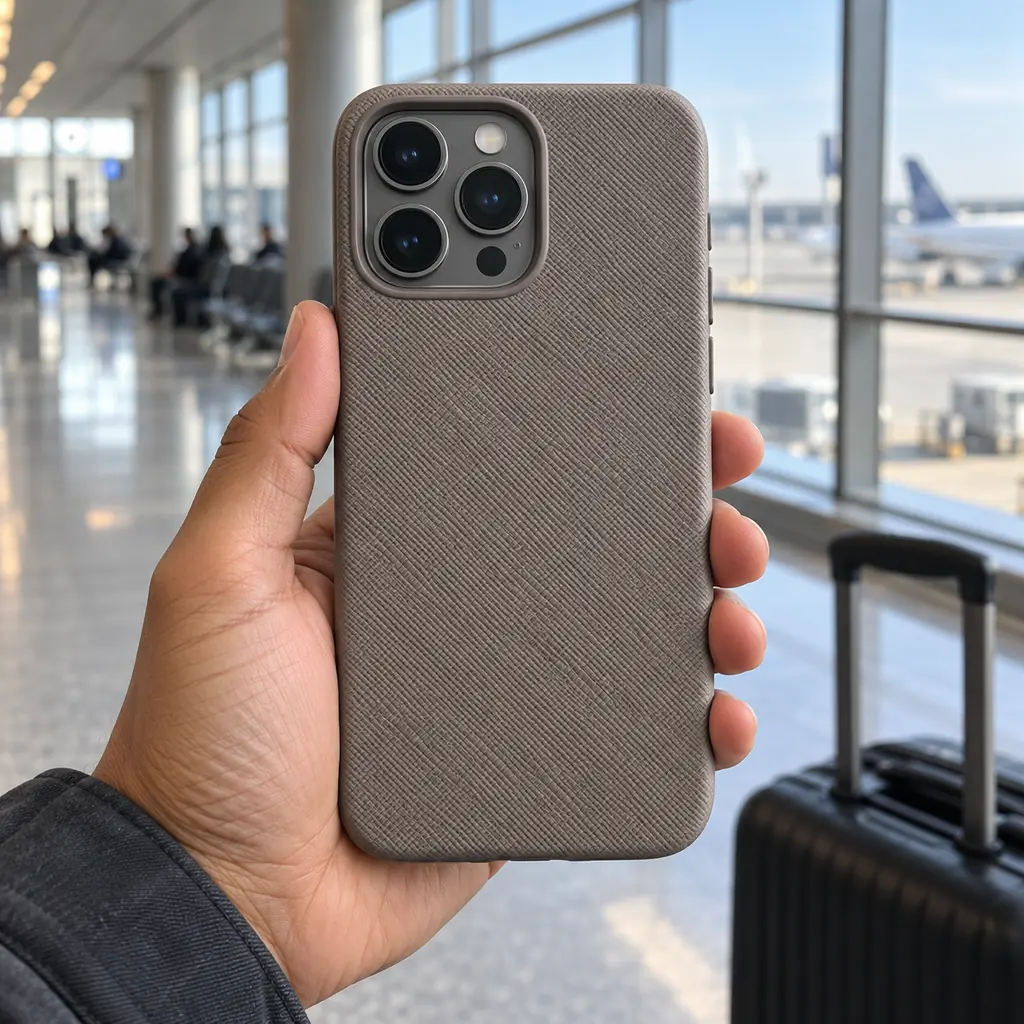
Does Your Phone Case Wobble on a Desk?
A raised camera rim can keep the lenses off the desk and still make the phone rock when someone types. Check both on the exact phone in the case you plan to order. First see what touches a hard, flat surface, then tap the screen at the far corners. Start with the case alone before adding accessories sold with it.
Find the point the phone pivots on
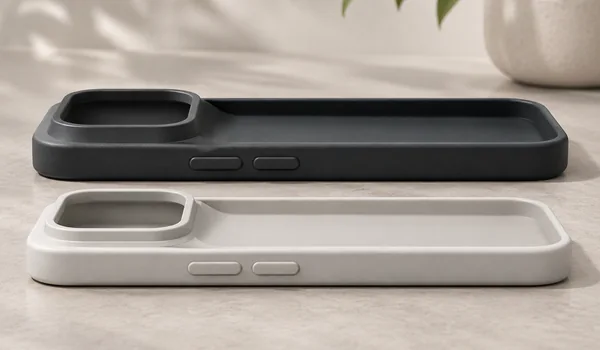
The rim, molded feet, a rear rail or a folded stand can set the resting height. If these features don’t support the phone at the same time, a light tap can shift it from one set of contact points to another. A phone can also sit at a fixed tilt without rocking. Decide which matters for the listing: stable typing or a level phone.
| Back design | Why use it? | What to check |
|---|---|---|
| Raised camera rim | Keeps the rest of the shell relatively thin. | Whether the opposite corner lifts and drops as you tap. |
| Rim with matching feet or rails | Spreads support across more of the back. | Whether the supports touch on the same surface without pressing against an accessory. |
| Thicker back around the camera | Reduces the step between the back and the rim. | Whether the thicker design still fits the customer’s grip and accessory requirements. |
Rokform’s iPhone 16 Plus case listing is one example of a supplier describing desk typing as a feature. Don’t carry that claim from one design to another. Also check camera clearance and flash reflections separately when changing the rim.
Run the desk check on the actual phone
Use a clean surface that does not flex. Check it with a straightedge and keep the same surface for competing samples. Record the phone model, case SKU and revision, then seat each corner. Place the phone screen-up and view it from the side. Note where the back rests and whether the lens area clears the desk. Do not slide the phone or press a gauge against the lenses.
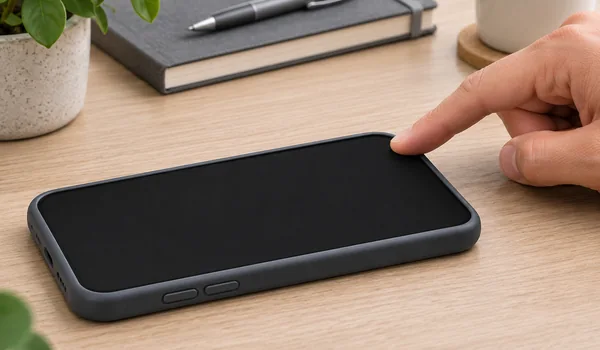
Tap the upper corners, lower corners and keyboard area as a customer would. Look for an edge that lifts and settles or listen for a tick you can reproduce. Turn the phone 180 degrees on the same surface and try again. If the result is borderline, use a second sample before approving the design. A soft desk mat can mask the movement.
Write down exactly what passed
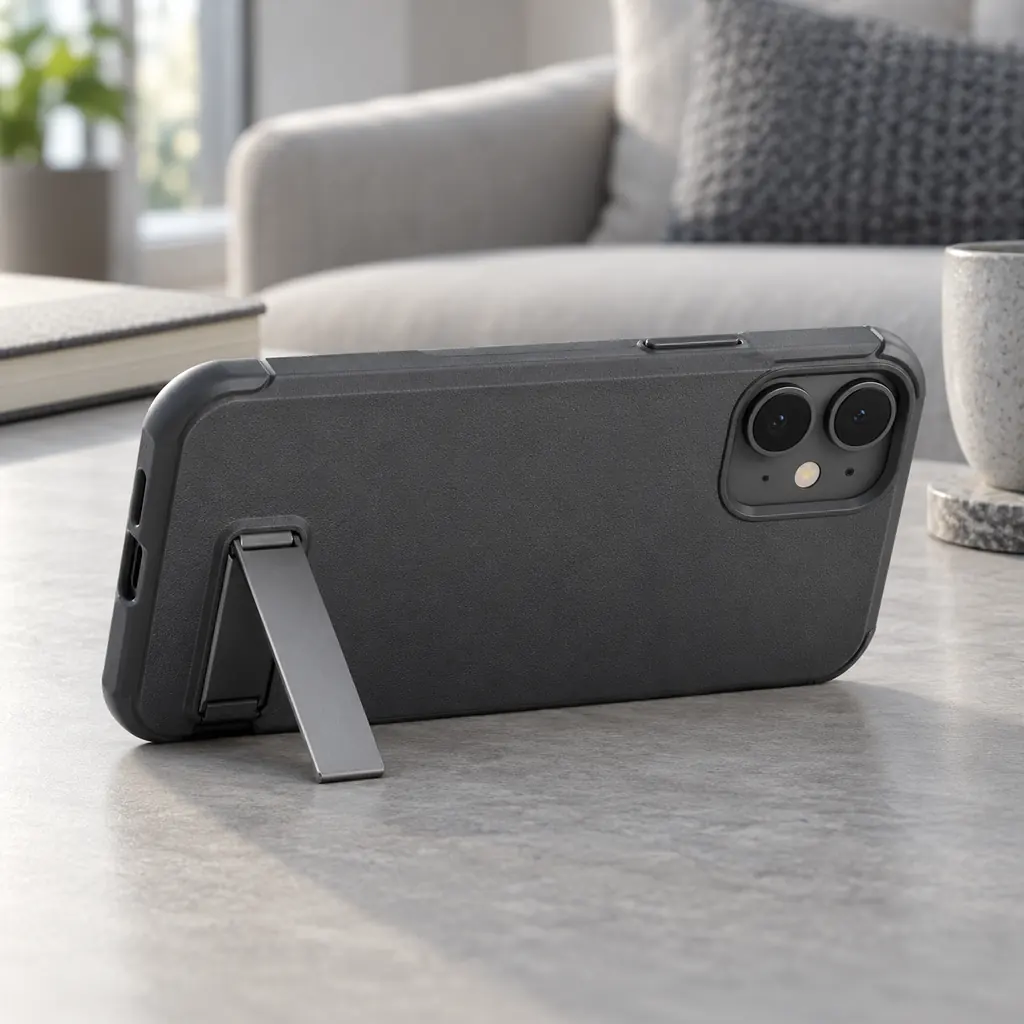
Record the case alone first. Add the lens protector or detachable accessory only if it is part of the offer, and identify the exact item. Check a built-in kickstand closed for this trial; its stability when deployed is a different question. If the phone is still but tilted, record that rather than calling it flat.
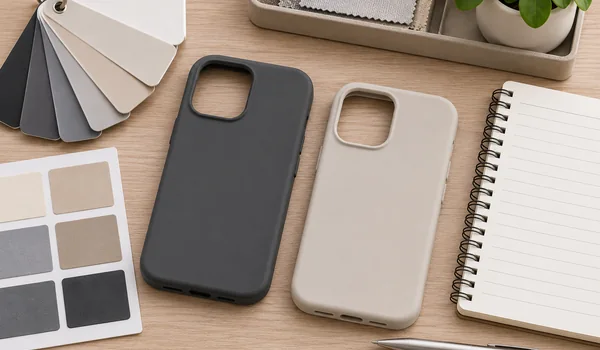
The DUX DUCIS frosted magnetic case for iPhone Duo lists raised camera edges and cushioned corners. Those features tell you where to look. They do not establish desk stability without testing the assembled phone.
When requesting an OEM sample, specify the exact handset, case revision and accessories you intend to sell. Keep the approved sample and a short clip of the tap check. Repeat it if the rim, rear supports or stand geometry changes.
Frequently asked questions
1. Why does a phone case wobble on a desk?
The phone rocks if a high point, such as the camera rim or a folded stand, acts as a pivot. Check which parts of the assembled phone touch the surface during normal taps.
2. Does a higher camera rim fix wobble?
Not by itself. A higher rim can increase lens clearance while leaving more room for the opposite corner to move. Check clearance and rocking separately.
3. Can a phone be stable without sitting level?
Yes. A slight fixed tilt is different from the phone moving when you tap it. If the package says the phone lies flat, also check whether it sits level.
4. What surface should I use for the first check?
Use a clean, rigid, flat surface and keep it the same for every candidate. A soft mat can hide movement, so treat performance on a mat as a separate result.
5. Should I test with a lens protector fitted?
Test the case on its own first. If you sell a protector with the case or name one as compatible, repeat with that exact protector fitted.
6. Does a folded kickstand affect the result?
It can. Test desk use with the kickstand closed. Treat stability with the stand open as a separate check.
7. Can one phone model stand in for a similar model?
No. A shared case listing does not show that both assembled phones sit the same way. Check each exact model named in the proposed claim.
8. What should I keep with the approval sample?
Record the phone model, case SKU and revision, accessory configuration, test surface, and observed lens clearance and movement. Keep a side photo or short clip showing the approved condition.